100+ template library, 14-day free trial
Audit-ready warehouse SOPs in minutes, not weekends
Pick a template, answer questions about your facility once, and get a procedure that cites the OSHA clause it satisfies. Then print the floor card for the dock door and the sign-off sheet for the binder.
14-day free trial, no credit card. Launch pricing.
- 105 templates
- in the library at launch
- 29 CFR 1910
- clause-level mapping
- EN / ES
- same SOP, both languages, Pro and up
Ships with every SOP
Floor card
Forklift pre-shift inspection
- 1Power off: check tires, forks, chains, mast, overhead guard, seat belt
- 2Check battery or fuel. Look underneath for leaks
- 3Power on in a clear area. Test brakes, steering, horn, lights, alarm
- 4Raise, lower, and tilt the mast through full travel
- 5Found a defect? Tag it out, pull the key, report it
- 6Log the inspection before the first load
- Never operate a tagged-out truck
- When in doubt, park it
The laminated card that ends up zip-tied to the mast. Generated from the same SOP as the PDF, so the two can never disagree.
Watch the whole thing, once
One building, from the questionnaire to the signed training record, with nothing sped up and nothing staged.
How to build an OSHA-compliant warehouse safety program
A template library gives every warehouse the same list, and cannot say which of them your building owes.
2:24
Press play and the player loads from YouTube.
On every floor card
A laminated card can’t say when it’s wrong. This one does.
Print a floor card, laminate it, zip-tie it to the rack post. Six months later the SOP gets revised and nobody swaps the card out. Now the wall says one thing, the approved document says another, and an inspector is reading the wall.
Every floor card we generate carries a QR code in the corner. Scan it and a public page, no account needed, answers one question in one line: is this exact printed card current, superseded by a later revision, never approved, or out of service. It shows the org name, the SOP title, its control number, the live revision, and the effective date. It never shows the procedure text or which facility posted it, on purpose: enough to settle the one thing that matters, nothing a stranger at the rack could use for anything else.
Anyone can hand you a laminated PDF. A PDF cannot tell you it is out of date. This ships on every plan, on every floor card, no upgrade required.
Try it. This one is real.
Floor card
Forklift pre-shift inspection

Scan to check this card
A real card check on our demo account, Coppervale Logistics. Scan it with your phone, or open the page if you are reading this on the device you would scan with. No signup, no sales pitch.
The cost of not having it
One serious violation costs more than nine years of Pro
A single serious violation carries a maximum penalty of $16,550 in 2026, and citations rarely arrive alone. The reduction OSHA gives for good faith is not a discount for being nice: it turns on whether you have a documented safety program that your people have actually been trained on.
That is a written procedure, mapped to the standard, with signatures against it. It is also the exact thing that never gets done, because doing it properly costs a weekend you do not have.
Citation and notification of penalty
Example
- Standard cited
- 29 CFR 1910.178(l)(1)
- Type of violation
- Serious
- Abatement
- Immediate
- Proposed penalty
- $16,550.00
Illustrative example, not a real citation. Figure reflects the 2026 statutory maximum for a single serious violation.
What you get
A safety program you can hand to an inspector
Library
A fixed library, not a blank prompt
Every one of the 105 templates is curated, version-controlled, and carries the date it was last reviewed. The AI does not invent your safety program. It fits an existing procedure to your equipment, your titles, and your shift pattern, and leaves the regulatory language exactly as written.
29 CFR 1910
Mapped to the clause, not just the topic
A forklift SOP that says “be careful” is worth nothing in an inspection. Every compliance procedure cites the specific paragraph it satisfies; the best-practice procedures say plainly that no regulation governs them.
Print native
Built to leave the screen
The binder needs a branded PDF. The dock door needs a laminated floor card. Training day needs a paper sign-off sheet with a line for every name. All three come out of one SOP, formatted for the place they end up. Every PDF carries a control number, an effective date and the next review date, and the full SOP adds the approver’s name and a revision history, which is the first page an inspector reads.
EN / ES
Bilingual because your crew is
English and Spanish generate from the same source procedure, so the Spanish copy is not a second document that drifts out of date. Revise a section by describing what changed and the Spanish is rewritten with it. Every bilingual SOP can be re-checked for fidelity after any edit.
Coverage
Tell us about the building, we tell you what OSHA expects on paper
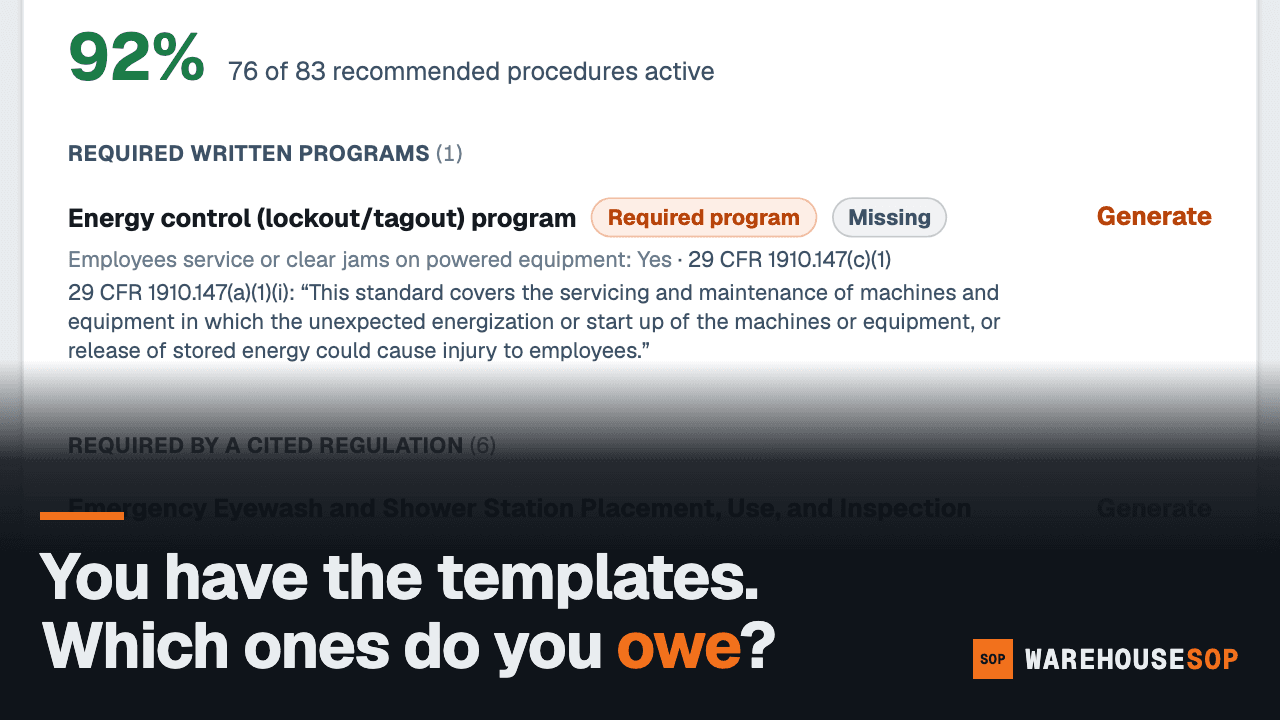
Answer the facility questionnaire and every template that applies to your building is listed, with the answer that triggered it and the section it cites. Written, draft, or missing, on one panel per facility.
Also included
The parts of the program that happen every week
A written SOP is the start. These are the parts that keep it alive on the floor: training day, the weekly talk, and a translation you can actually trust.
Training day
Pass a tablet, not a clipboard
Pro and Multi-Site turn the sign-off sheet into a signing kiosk: hand a tablet around the room and every signature is captured digitally against the exact SOP revision the person was trained on. Already have a roster in a spreadsheet? Import it once, up to 2,000 people, matched first by badge number so importing the same file twice never creates duplicates.
Every week
A toolbox talk from the SOP you already approved
One page: a short talk, discussion questions, what to watch for this week, and attendance lines, generated straight from an active SOP, in English and Spanish when the SOP is bilingual. It turns a procedure from something you write once into something a crew actually revisits. Included on every plan.
Bilingual, graded
The Spanish gets checked, not just generated
On Pro and above, every bilingual SOP is checked twice: first a deterministic pass confirms the Spanish has the same sections in the same order, with every number and CFR citation from the English carried across, then a model translates the Spanish back into English and grades meaning, safety-term accuracy, and register, section by section, flagging anything below the bar for a person to read. Re-run the check any time, without regenerating the SOP.
Each of these is written up in full on its own page, alongside the SOP generator, the audit binder and the coverage map. Read what every capability does and which plan opens it before you compare the plans below.
How it works
Four steps, one questionnaire
- 1
Pick a template
Start from a reviewed procedure for the task, not a blank page and a CFR tab.
- 2
Answer the facility questionnaire once
Dock doors, equipment list, shift pattern, who signs off. Every SOP after the first one inherits your answers.
- 3
The AI fits it to your building
Fixed regulatory language passes through verbatim. Facility-specific sections get rewritten around your trucks, your racks, and your job titles.
- 4
Export what you actually need
Branded PDF for the binder, floor card for the dock door, sign-off sheet for training day.
The library
100+ procedures, in the order a warehouse actually needs them
Receiving, putaway, picking, packing, shipping, forklift, lockout/tagout, hazmat, emergency. Every one of the 105 templates is live today, and the library keeps growing from requests.
Launch pricing
Priced per building, never per worker
Safety software that charges by headcount punishes you for training more people. Every plan covers everyone who works in the building. Annual billing takes two months off, and every plan starts with a 14-day free trial, no credit card: 5 SOPs, a 10-person roster, watermarked exports, and every Pro feature to try.
Starter
One building, getting its documentation straight.
$79/mo
$790 a year, two months free
- 1 facility
- 15 active SOPs
- 1 admin seat
- Full template library access
- Printed training sign-off sheets
- A QR revision check on every floor card
- Weekly one-page toolbox talk for every SOP
- Review reminders that keep every SOP current
Pro
Most popularThe plan you want an auditor to walk into.
$149/mo
$1,490 a year, two months free
- 1 facility
- Unlimited SOPs
- 3 admin seats; workers are always unlimited
- Full template library access
- Full OSHA 29 CFR 1910 mapping, with alerts when a cited standard changes
- Digital sign-offs with an audit trail
- Training records and a signing kiosk, tied to every SOP revision
- One-click audit binder for the whole facility
- Revise any section by describing what changed
- English and Spanish output, checked for translation fidelity
- A QR revision check on every floor card
- Weekly toolbox talk for every SOP, English and Spanish when bilingual
- Review reminders that keep every SOP current
Multi-Site
Several buildings held to one standard.
$349/mo
$3,490 a year, two months free
- 3 facilities, plus $49/mo for each additional
- Everything in Pro, at every site
- 9 admin seats, three per site
- Every site's SOPs, reviews, training and coverage in one dashboard
- Network standards: publish once, copy to every site, see which sites are behind
Every trial is the same trial. Whichever plan you pick, the 14 days are the same 14 days: 1 facility, 5 active SOPs, 1 admin seat, a roster of 10 workers, 10 generation attempts, exports watermarked TRIAL, and every Pro feature to try. Extra sites and network standards start when the plan does. Already decided? Buy the plan and skip the trial.
Launch pricing.
Straight answers
Questions worth asking first
- Is this legal advice?
- No. What you get is informational safety documentation, not legal advice, and it does not create an attorney-client or consultant relationship. Have a qualified safety professional review every SOP against your actual operation before it goes into service. You know your building; we know the paperwork.
- Does a generated SOP make us OSHA compliant?
- Written procedures are one part of compliance. Training, implementation, and records are the rest. What we give you is the documented program an inspector asks for first, mapped to the specific 29 CFR 1910 paragraph it addresses, plus the sign-off sheets that prove your crew was trained on it. Inside the app, Help maps each common inspector request to the screen that answers it.
- How long does one SOP take?
- Minutes. You answer the facility questionnaire once, pick a template, and generation itself takes well under a minute. The real work is the review: reading the facility-specific sections against how your floor actually runs, fixing what the questionnaire could not know, and getting a qualified person to sign off. Budget an afternoon for a first batch of procedures, not a weekend per SOP. Facilities can be described in metric; generated text follows.
- How do we know which SOPs we need?
- The facility questionnaire tells you. Answer it once and every template that applies to your building is listed, with the answer that triggered it and the section it cites, so the list is not a guess. Each item shows as written, draft, or missing, on one panel per facility, on every plan, and answering an unanswered question can open more of the library at once.
- Do you cover OSHA state-plan states?
- Today the library is mapped to the federal standard, 29 CFR 1910 (with 49 CFR for the hazmat procedures). If you are in a state-plan state such as California, Washington, or Michigan, the federal text is the floor your state plan builds on, but the state deltas are not in the product yet. Mapping those differences is a roadmap item, and we would rather say so than sell it before it ships.
- Can we use these at more than one building?
- Yes, on the Multi-Site plan. Each site keeps its own facility profile, so a procedure fitted to one building is not silently reused at another. Network standards let you publish an SOP once, copy it to every site, and push updates out so each site can adopt the new revision, with a dashboard that shows which sites are behind. Facility counts and seat counts are on the pricing cards. See Multi-Site on the pricing cards
- What about Spanish?
- Bilingual output is included on Pro and above. Every section of the SOP carries its Spanish rendering under the English, and every step on the floor card does too, generated from the same source procedure so the two languages cannot drift apart. The free trial includes bilingual output, so you can check the Spanish before you pay.
- What do you do with our facility data?
- We use it to generate your documents and for nothing else. Generating an SOP sends the template text and the relevant parts of your facility profile to the Claude API, which returns the customized document. The privacy policy states it plainly: that content is not used to train models, by Anthropic or by us, and we do not add your content to a shared template library. We do not sell personal information and there are no advertising trackers on this site. Read the privacy policy
- Is our data secure?
- Yes, in ways that do not rely on a promise. Two-factor sign-in is available on every account. When support opens a session to help with a ticket, it can look but never write, and that session ends itself after thirty minutes. Signatures and training records are inserted once and cannot be edited after the fact, only added to, so the history nobody can quietly rewrite is the same history an inspector sees.
- What happens when a standard changes?
- Every SOP records the clauses it is built against. On Pro and Multi-Site, when a cited standard is revised you get an alert naming the affected SOPs, so you are not re-reading the CFR to find out what moved.
- How does training tracking work?
- Every plan gets printed training sign-off sheets and a weekly one-page toolbox talk generated from each active SOP, in English and Spanish when the SOP is bilingual. Pro and Multi-Site add a signing kiosk (hand a tablet around instead of a page), digital signatures with an audit trail, bulk roster import from a CSV or XLSX file (up to 2,000 people, matched first by badge number so re-importing the same file never creates duplicates, and export it back out as CSV), and training records tied to the exact SOP revision each person was trained on. The one-click audit binder bundles a facility's active SOPs, approvals, revision history, training records, and floor cards into a single indexed PDF for an inspector. Where a standard sets an expiry, such as the three-year forklift re-evaluation, the record carries a due date and a weekly email names who is expiring and who has expired.
- What happens when someone scans the QR code on a floor card?
- They land on a public page, no account needed, that says in one line whether that exact printed card is current, has been superseded by a later revision, was never approved, or is out of service, along with the org name, the SOP title, its control number, the live revision, and the effective date. It never shows the procedure text or which facility the card belongs to. Every floor card carries this QR, on every plan.
- Where do the templates come from and how are citations verified?
- From a fixed library, not from a model asked to invent a procedure. The library is curated and version-controlled: each template carries the date it was last reviewed, and it marks which sections are regulatory boilerplate that passes through generation unchanged and which are meant to be fitted to your facility. Generation fits one of those templates to your building rather than composing a safety program from nothing. A template may only cite sections on a maintained whitelist, enforced by an automated test, and every cited paragraph is quoted in the standard's own words, taken from the eCFR rather than paraphrased. A weekly sweep re-checks every cited section against eCFR's amendment record, which is what drives the standard-change alerts.
- Can we export to Word?
- Not yet. Exports are PDF today: the branded SOP, the floor card, and the training sign-off sheet. DOCX export is on the roadmap. The PDFs are yours to keep and put your own letterhead on.
- Do you charge per worker?
- Never. Pricing is per facility, and every plan covers everyone in the building. Charging by headcount would mean charging you more for training more people, which is the opposite of the point.
- Can we edit what comes out?
- Yes, and you should. Each template marks which sections are fixed regulatory boilerplate and which are meant to be fitted to your facility. Exports are yours to keep, edit, and put your own letterhead on. Nothing is overwritten: every revision is kept, and the history page lists them newest first with the summary of what changed and who saved it.
- What happens when the trial ends?
- Your account goes read-only. Nothing is deleted and every SOP you generated stays readable in the app, but new SOPs, edits, and exports wait for a paid plan. No card is required to start, and we never convert a trial to a paid plan on our own. During the trial, exports are watermarked, so the clean documents are part of what a plan buys.
Free trial
Get the library before your next inspection
Every plan starts with a 14-day free trial, no credit card. Launch pricing.
First SOP in minutes. Cancel from the billing page any time.